Installer un serveur Prometheus
Installation des paquets nécessaires :
apt-get install prometheusRemplir le fichier prometheus.yml comme ci-dessous :
global:
  scrape_interval:     15s # By default, scrape targets every 15 seconds.

  # Attach these labels to any time series or alerts when communicating with
  # external systems (federation, remote storage, Alertmanager).
  external_labels:
    monitor: 'codelab-monitor'

# A scrape configuration containing exactly one endpoint to scrape:
# Here it's Prometheus itself.

scrape_configs:
  - job_name:       'node'

    scrape_interval: 5s

    static_configs:
      - targets: ['172.31.65.70:9090', 'localhost:8081']
        labels:
          group: 'production'

      - targets: ['172.31.64.40:80']
        labels:
          group: 'canary'
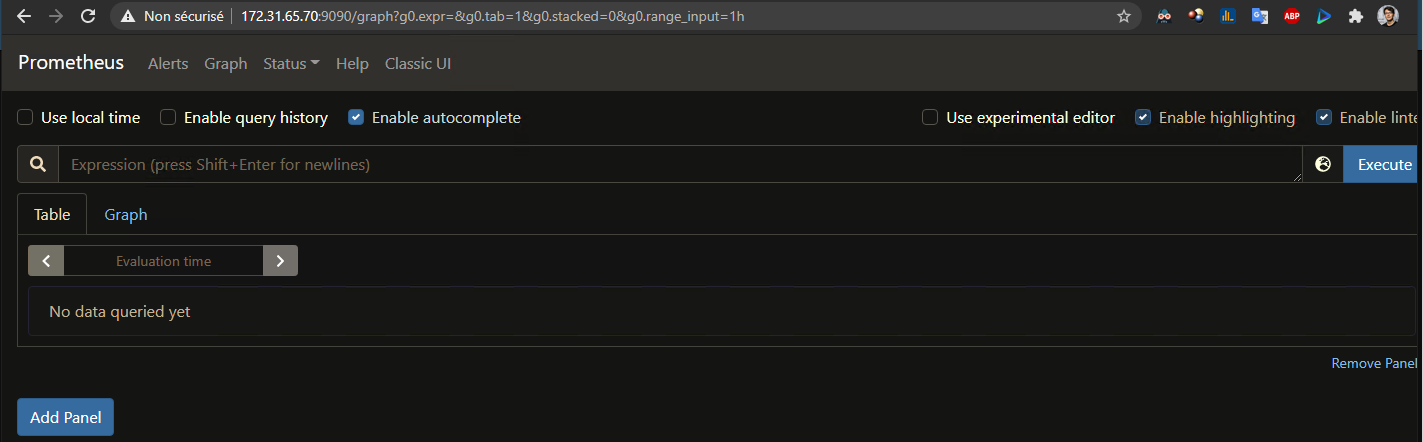
On se rend sur le site web http://172.31.65.70:9090/graph :